
Does removing the Next button speed up a lead form?
The first 3 steps of the lead form each needed a tap on Next. We tested moving visitors forward as soon as they answered, with and without new copy. Conversion fell 16.3% and revenue per visitor 14.3% over 16 days.
Lost Responsive 16 days Called at 90% Reviewed
The hypothesis
By removing the Next button where an answer can move the visitor forward on its own, we will let visitors move through the form with fewer clicks, resulting in more completed forms.
The first 3 steps asked for the debt amount, the type of tax debt and the state. Each was a single choice, followed by a separate tap on Next.
We expected that moving visitors forward as soon as they chose would make the form feel faster. We also tested new header copy on the later steps to keep visitors engaged.
What we changed
We removed the Next button from the first 3 steps of the form.
Variation A removed the Next button on the debt amount, tax debt type and state steps, so each answer moved the visitor forward. Variation B made the same change and updated the copy in the form, starting on step 4.

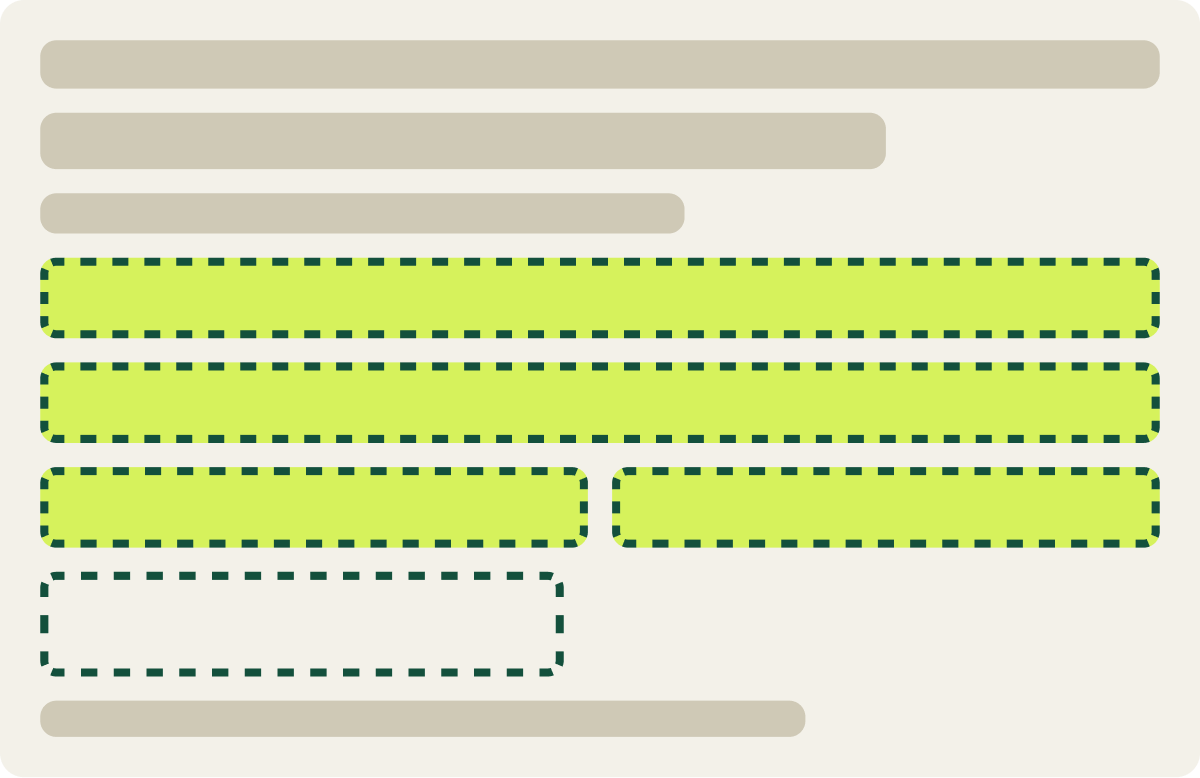
- Next button removed on steps 1 to 3
- Each answer moves the visitor forward
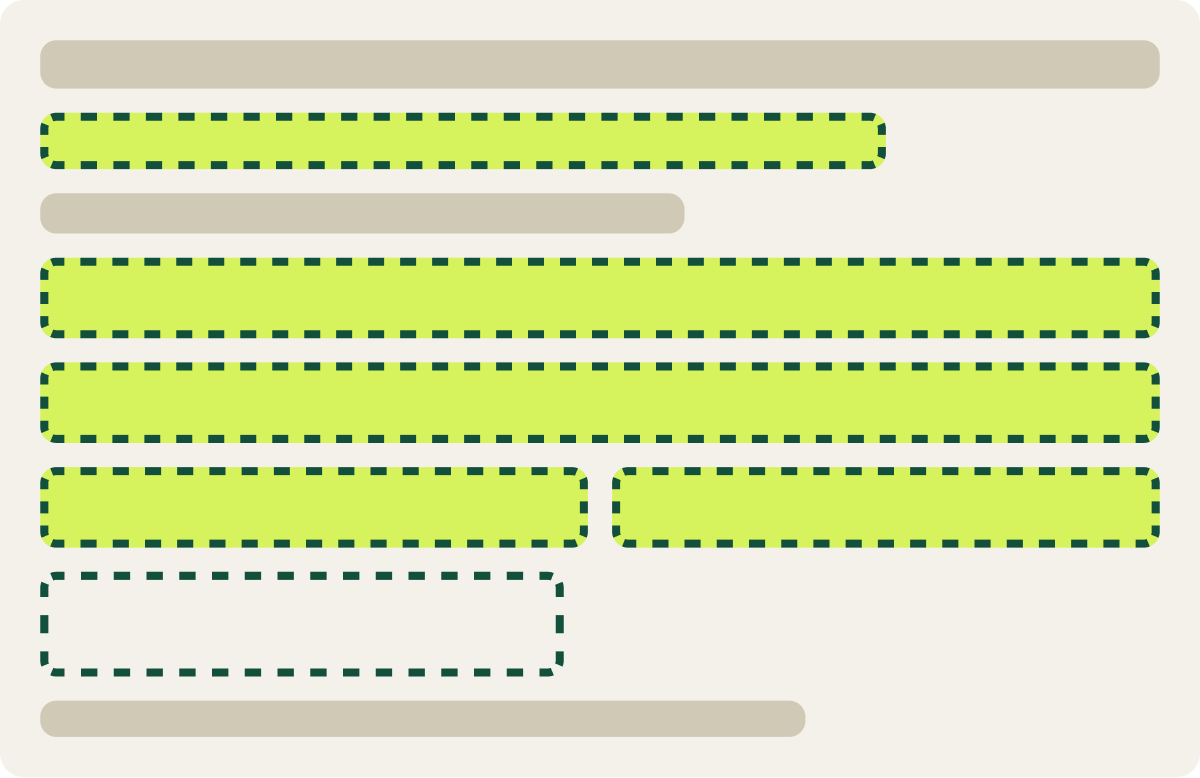
- Same changes as Variation A
- New copy in the form from step 4
The result
Conversion fell 16.3% and revenue per visitor 14.3%.
Both variations fell behind the control over 16 days. Conversion fell 16.3% and revenue per visitor 14.3%, and Variation A, the button change alone, did the most damage.
We paused the test and moved the copy update into the next round on its own.
What we took from it
Visitors wanted to confirm each answer before moving on.
Removing the Next button took away a moment of control. Visitors could not check or change an answer before the form jumped ahead, and fewer of them finished. Fewer clicks did not make the form feel easier here.