
Does a single page form lift lead form completions?
Our quote form split its questions across several steps. We moved the whole form onto a single page so visitors could see its full length up front. Conversion fell 60.5% over 17 days, and we paused it.
Lost Responsive 17 days Called at 90%
The hypothesis
By moving to a single page form, we will set clear expectations about the length of the process, resulting in more visitors completing it.
Visitors on a multi-step form cannot see how much is left, and our step tracking showed drop-off at several points. A single page shows every question at once, so visitors know what they are signing up for before they start.
We built a single page version of the form to test whether that clarity would lift completions.
What we changed
We moved every step of the quote form onto a single page.
On the control, visitors answered 1 question per step and moved through the form with a progress bar. Var A placed all of the questions together on 1 page.

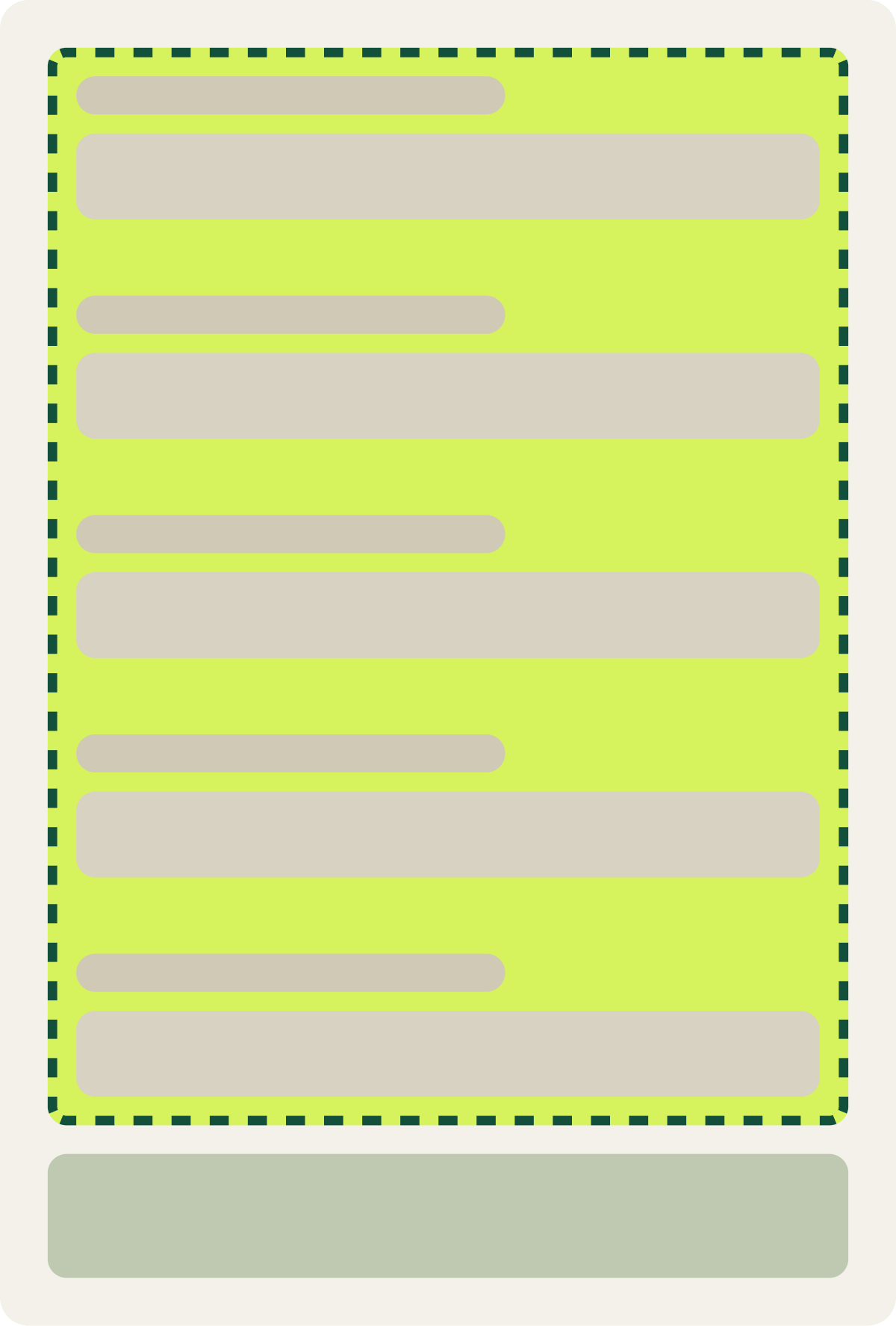
- All questions shown together on 1 page
The result
Conversion fell 60.5% over 17 days, so we paused the test.
Completed forms dropped 60.5% against the control. The variation showed no positive movement at any point, and the drop was large enough to call, so we paused it after 17 days and moved to the next round.
What we took from it
Seeing the full form at once put visitors off.
A single page showed every question before visitors had answered any, so the form looked longer and harder than it was. The multi-step version asked for 1 easy answer at a time, which got visitors started and kept them going. We went back to steps and worked on the step that lost the most visitors.